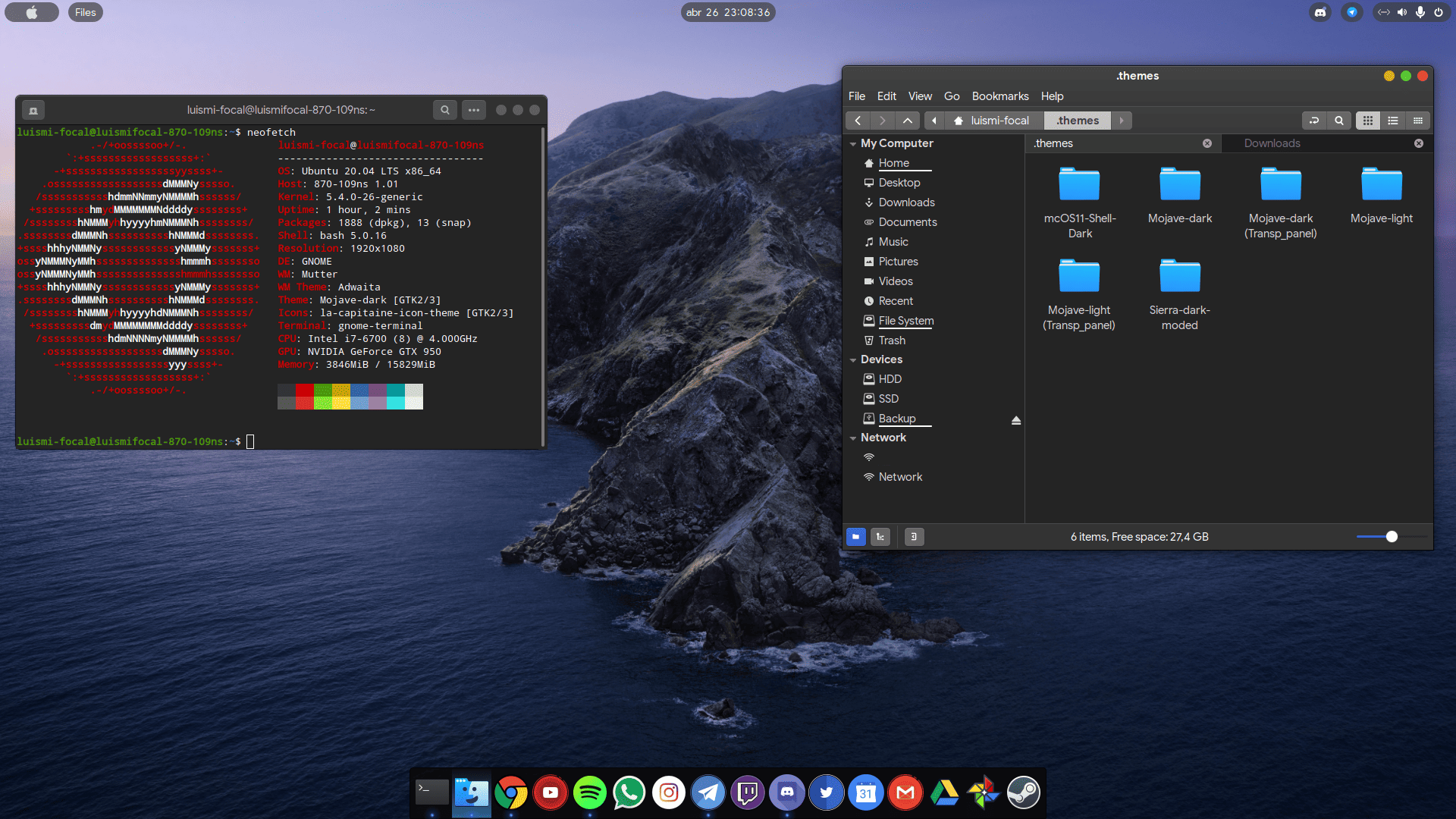
Many operating systems, such as Windows, and Mac OS, give you a complete system. They give you a box and you live in it. Linux OS, on the other hand, gives you parts, allowing you to build whatever you want. Linux customizations are crucial in ensuring you get a system that meets your daily needs.
Linux customizations are both my hobby and obsession. With Linux, I can modify every layer of the system, from the desktop environment down to the kernel parameters, to match exactly how I work. Linux allows me to have unfiltered control without vendor lock-in.
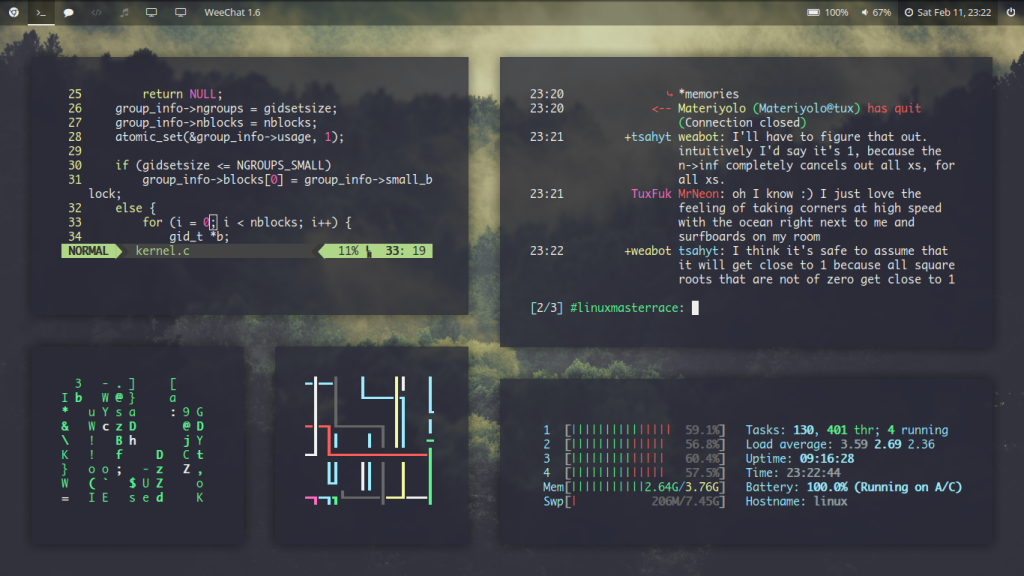
The Frustration That Started It All
Before switching to Linux, I was a big Windows user. What made me switch to Linux is the inability of modifying my taskbar further without relying on a third party hack. But the transition process wasn’t smooth. In the first week, I faced broken drivers and a hostile terminal. When I resized my panel and swapped the window manager, I felt ownership of the OS. I hadn’t experienced this feeling before.
Everyone who makes this jump, experiences this frustration. And this is the exact pain point Linux customization solves.
Why Arch Linux Customization Hits Different
Before finally landing on one Linux OS, I did a lot of distro-hoping. And I can tell you that there is nothing that compares to Arch Linux customization. With this OS, you have a blank canvas with nothing installed. You have to build it from scratch.
Why I keep coming back to Arch Linux:
- You understand every package because you chose it
- Rolling releases mean you’re always current
- The AUR (Arch User Repository) has practically everything
- Your setup is yours, nobody else’s
The big advantage of this setup is that when anything breaks, you know how to fix it because you built it up.
The Best Linux Customization Tools in My Arsenal
These are the Linux customization tools I rely on:
- i3wm / Hyprland for tiling window managers that eliminate mouse dependency
- Rofi which is a blazing-fast application launcher
- Polybar / Waybar for fully scriptable status bars
- Picom is lightweight compositor for transparency and animations
- Neovim + custom dotfiles my editor, my rules
Exploring Linux Customization Options Beyond the Desktop
Many people think that Linux customizations stop at wallpapers and themes. This is a misconception. Linux customization options go much deeper:
- Shell customization: Zsh with Powerlevel10k or Fish for intelligent prompts
- Boot splash screens: Plymouth themes for a polished startup
- Font rendering: Infinality patches for crisp typography
- Kernel tweaks: Custom schedulers for gaming or low-latency audio
With each layer you customize, you learn more about your system and how it actually works. This gives you ownership of the system, making you get the most out of the software.
Linux Customization Final Verdict
Through Linux customization, I moved from being a passive user into someone who genuinely understands my machine to the core. I now own my system. The customization process is not an easy journey though. However, once you master it, you get a self-tailored system with extensive capabilities that a stock OS cannot offer.
My question to you is, what’s one customization you made that changed how you use Linux? Comment below.